Macintosh only.
There is an issue in the Mac version of Logger Pro that is apparent when you try to set scale, set origin, or set distance, if and only if Logger Pro is not being used at full screen. Any overlaid elements, such as the scale line, marked points, or the coordinate system, will be drawn offset from their correct locations.
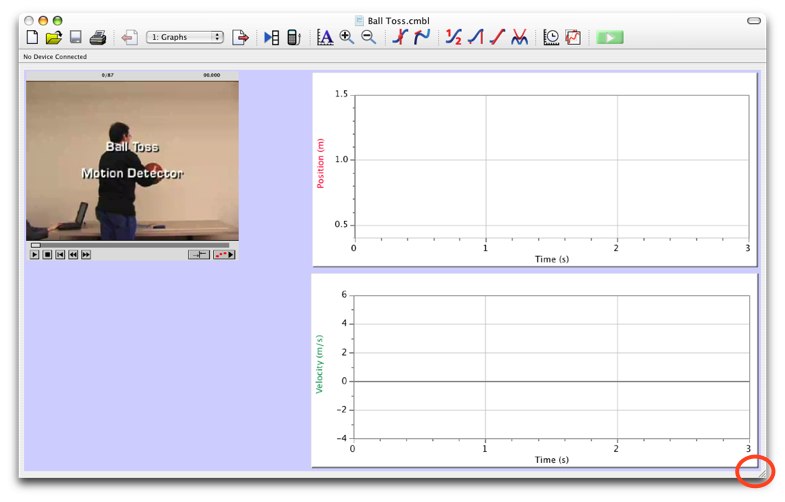
To work around this issue, resize the entire Logger Pro window slightly by dragging the bottom right corner of the Logger Pro window by a couple of pixels. Resizing the video object does nothing; you need to resize the entire Logger Pro window as shown in the image below.
This will reset the scale on the overlay window, and it will work during that session.
This is distinct from Logger Pro clips videos or shows offset points when not using full screen, which results in cropped videos. The problem described here does not crop the video.