
This information pertains to the original LabQuest.
If you have LabQuest 2, see this article.
This is likely a hardware failure and something that can no longer be repaired due to lack of available parts.
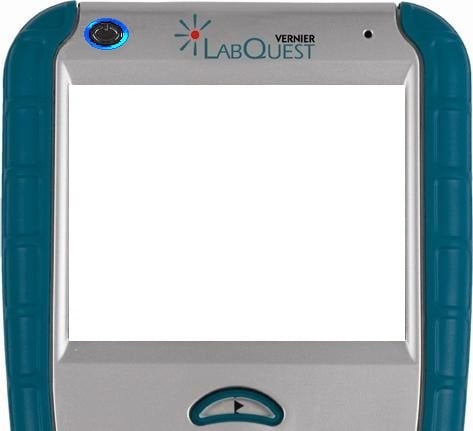
In case this is just a software issue, try the following:
1) Hold down the reset button located on the back of the unit for 5-10 seconds to perform a hard reset.
How do I reboot or reset an original LabQuest?
2) After the hard reset, you may get into the situation where the power button LED is on, but the screen stays black. If so, you likely can recover the unit. See
LabQuest blue power-button LED is on, but the screen is black.
If after the hard reset the white screen reappears, it is likely a hardware issue that cannot be repaired. For further assistance, contact Vernier Technical Support at 888.837.6437.