




Graphical Analysis
Recommended for High School and Middle School Science.
Graphical Analysis 3 is an inexpensive, easy-to-learn program for producing, analyzing, and printing graphs.
Description
Graphical Analysis has been one of our most popular products for years and now it’s even better! We have recently rewritten Graphical Analysis, adding new features and updating its look and capabilities.
Graphical Analysis 3 Basics
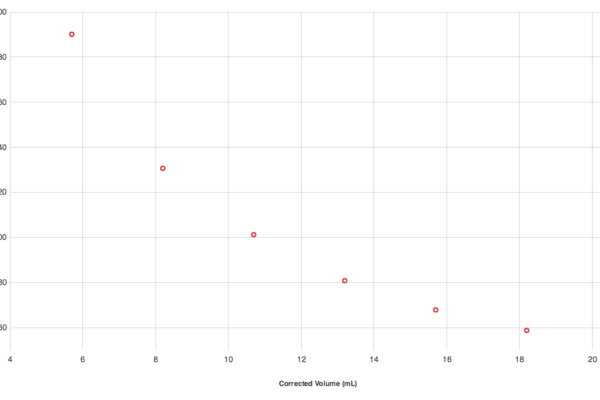
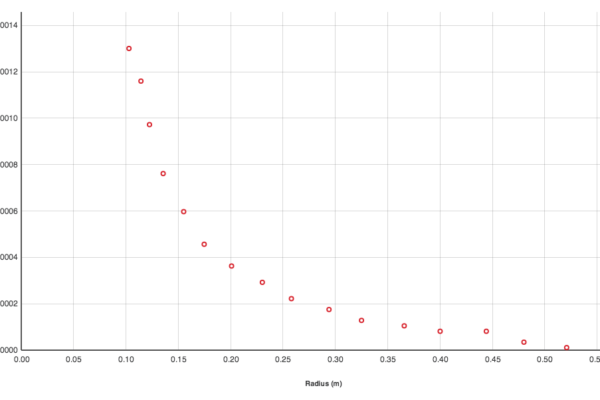
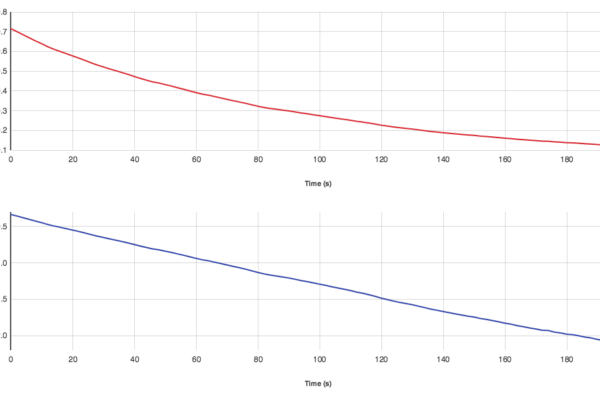
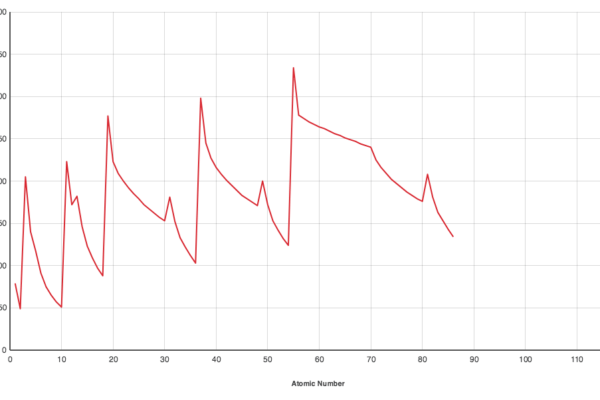
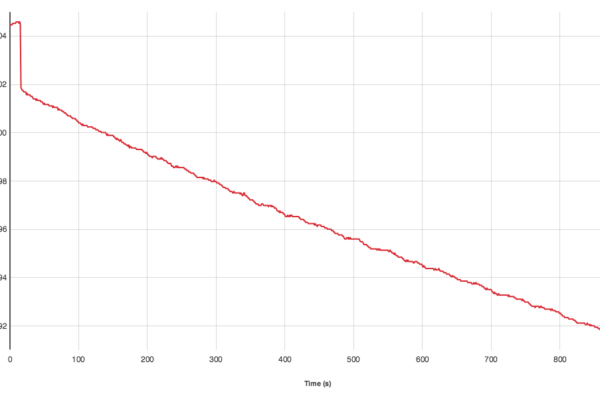
- Create and print graphs, data tables, text, FFTs, and histograms.
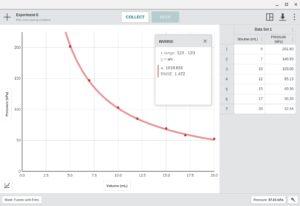
- Perform automatic curve fits, and add models with adjustable parameters to your graphs
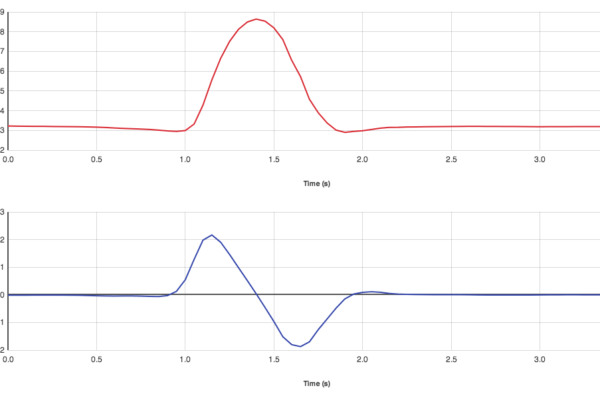
- Calculate statistics, tangents, integrals, and interpolations.
- There are several ways to input data into Graphical Analysis 3:
- Type the values into the data table.
- Copy and paste data from another program (such as Microsoft Excel).
- Import data from a text file.
Graphical Analysis 3 includes programs for both Windows and Macintosh computers.
System Requirements
Windows System Requirements
- Windows® XP SP2/SP3, Vista, Vista 64, Windows 7, or Windows 7 64
- Pentium® processor or equivalent running at 500 MHz or faster
- 512 MB total minimum RAM
- 200 MB of hard disk space for a minimum installation
Macintosh System Requirements
- Macintosh OS® OS X 10.4.11, or 10.5.1 or newer, 10.6 or newer
- 512 MB RAM
- 200 MB of hard disk space for a minimum installation
Download Updates
Existing customers, update to the latest version of Graphical Analysis 3.
Go to Graphical Analysis 3.8.4 UpdateWhy Upgrade to Graphical Analysis 3?
Owners of older versions of Graphical Analysis can upgrade to Graphical Analysis 3 at a reduced price and get all the new features:
- Video analysis of a still photo.
- Double-Y graphs.
- Function plotting.
- Free student site license.
- Support for graphics and pictures.
- Native Mac OS X Support (Including 10.4).
- Create multiple pages within a document.
- Improved report-writing features such as rich text editing.
- More colors.
- Support for the newest computer operating systems (Windows 7 and Mac OS X Snow Leopard).
- Improved analysis tools.
- Improved curve fitting.
- 100% interchangeability between Mac and Windows files.
- Improved import of other file formats.
- More flexibility on how data are graphed.
- Windows and Macintosh versions have the same look, feel, and functionality.
Ordering Information
Graphical Analysis for iPad
Wireless, multi-touch data-collection and analysis with iPad, LabQuest 2, and Vernier sensors.
Related Products
Educational use only: Vernier products are designed for educational use. They are not appropriate for industrial, medical, or commercial applications. Product usage disclaimer »