
To use an Instrumentation Amplifier with a TI Graphing Calculator and a CBL 2 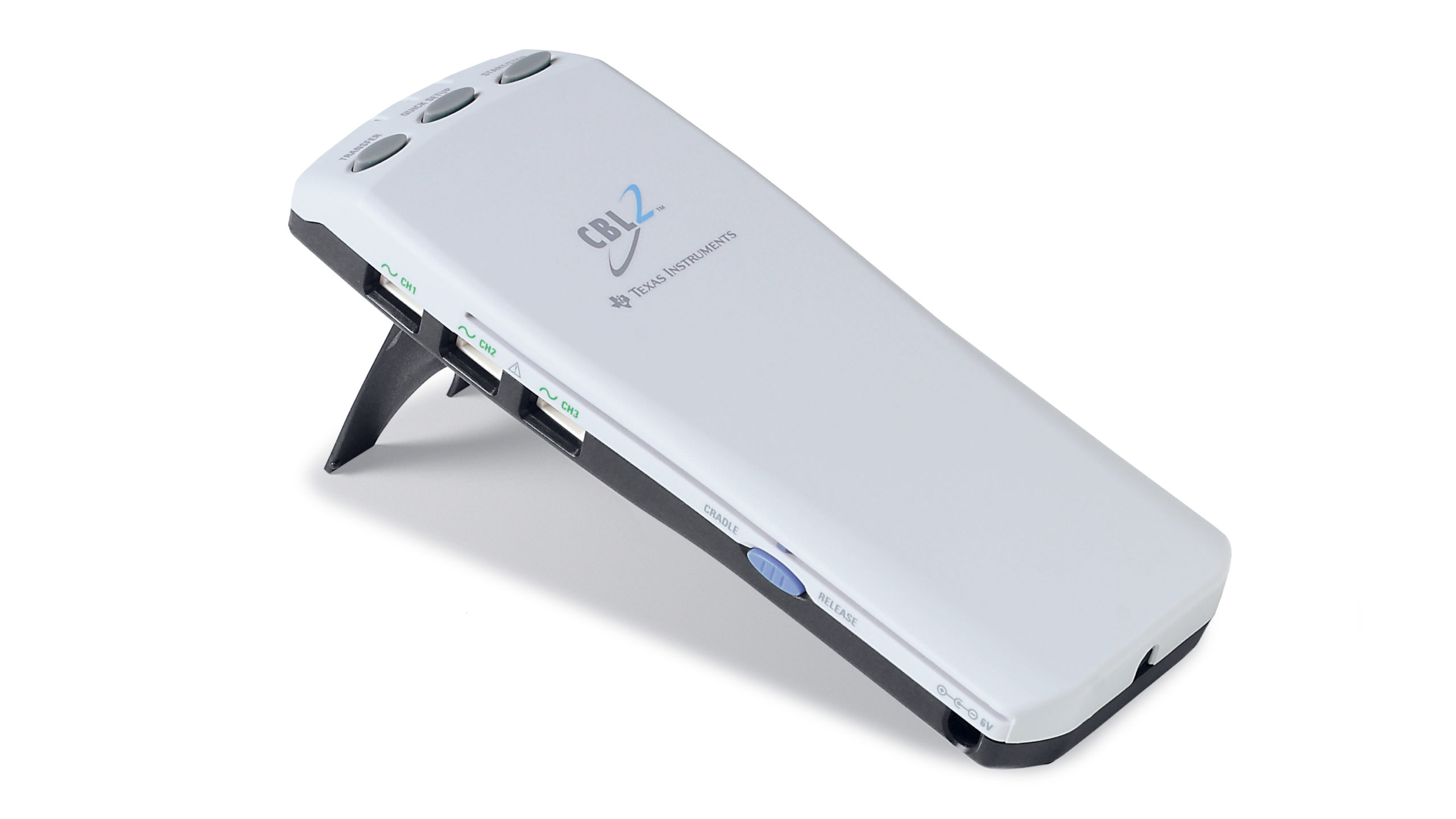 or LabPro
 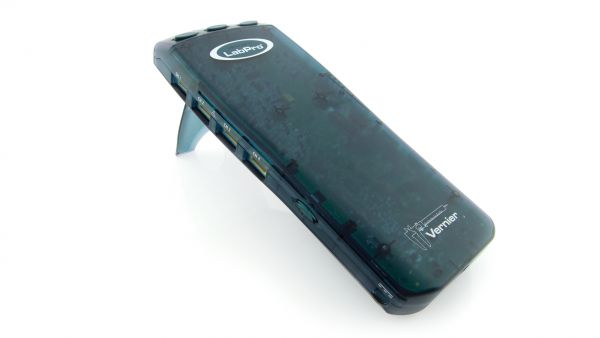 interface, connect your calculator, and Instrumentation Amplifier to the interface and start DataMate. Then do the following:
- Choose SETUP from the main DataMate screen.
- Press [ENTER] to select CH1.
- Choose CUSTOM from the list of sensors.
- Choose CUSTOM 0 TO 5 (V). The channel will be set up.
This will give you post-amplification voltages. If you want pre-amplification voltages, continue with these steps:
- Choose CALIBRATE.
- Choose MANUAL ENTRY.
- Type in the slope and intercept from the following choices depending on your knob setting:
| Range | Slope | Intercept |
|---|---|---|
| 0⚊1 V | 0.30864 | 0 |
| 0⚊20 mV | 0.006636 | 0 |
| 0⚊200 mV | 0.06262 | 0 |
| ±1 V | 0.471648 | -0.801 |
| ±20 mV | 0.013181 | -0.0224 |
| ±200 mV | 0.117912 | -0.2004 |
To use an Instrumentation Amplifier with a TI Graphing Calculator and an original CBL 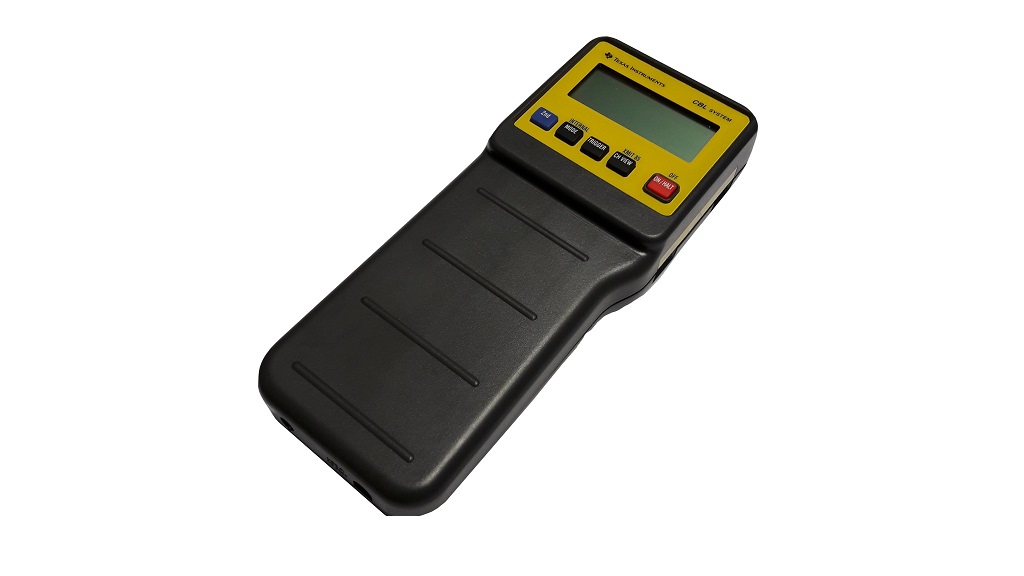 , CBL 2 or LabPro interface, connect your calculator, and Instrumentation Amplifier to the interface and start ChemBio. Then do the following:
- Press [ENTER] to get to the MAIN MENU.
- Choose SET UP PROBES.
- Enter 1 for the NUMBER OF PROBES.
- Choose ELECTRODE AMP from the list of sensors.
- Enter 1 for the CHANNEL NUMBER.
- Choose MANUAL ENTRY.
- Type in the slope and intercept from the following choices depending on your knob setting:
| Range | Slope | Intercept |
|---|---|---|
| 0⚊1 V | 0.30864 | 0 |
| 0⚊20 mV | 0.006636 | 0 |
| 0⚊200 mV | 0.06262 | 0 |
| ±1 V | 0.471648 | -0.801 |
| ±20 mV | 0.013181 | -0.0224 |
| ±200 mV | 0.117912 | -0.2004 |
NOTE: For post-amplification voltages on any knob setting enter the following slope and intercept:
| Range | Slope | Intercept |
|---|---|---|
| ALL | 1 | 0 |