
Current TI-Nspire Products
- TI-Nspire Lab Cradle (TI-NSLABC) – discontinued
- EasyTemp (EZ-TMP)
- Go!Temp (GO-TEMP)-(requires adapter)
- CBR 2 (CBR2)
- Go! Motion (GO-MOT)-(requires adapter or USB cable)
- EasyLink (EZ-LINK)
- Go!Link (GO-LINK)-(requires adapter)
- TI Bluetooth® Adapter (TI-CALC-BTADPT)
- Vernier Sensors
- TI-Nspire CX Navigator System (TI-NAV-CX30)
- TI-Nspire CX Docking Station (TI-NSCX-DS)
- TI-Innovator Hub
- TI-Innovator Rover
- TI-Nspire CX II Connect
- TI-Nspire™ CX Premium Teacher Software (TI-NCXTS-SNGL1YR-ESW)
- TI-Nspire™ CX Student Software (TI-NSSX-SNGL1YR-ESW) or TI-Nspire™ CX CAS Student Software (TI-NSCSX-SNGL1YR-ESW)
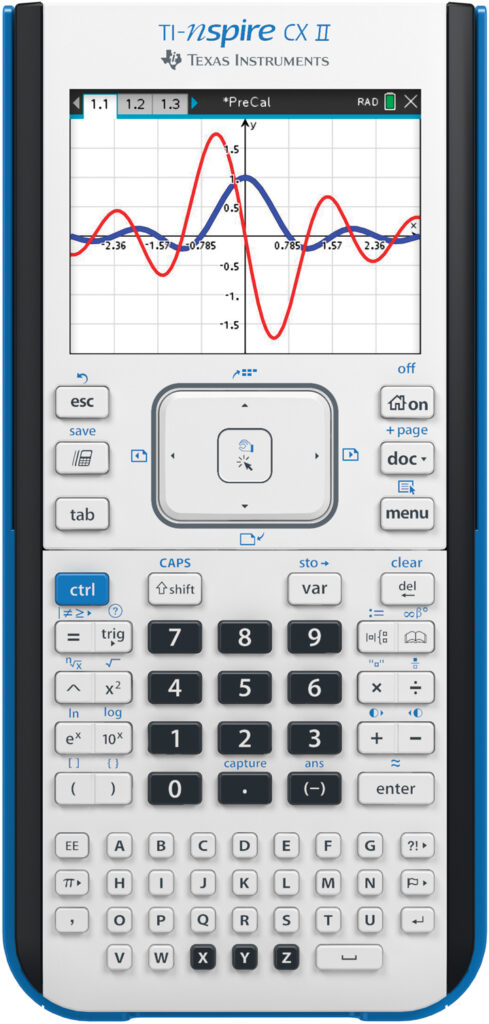
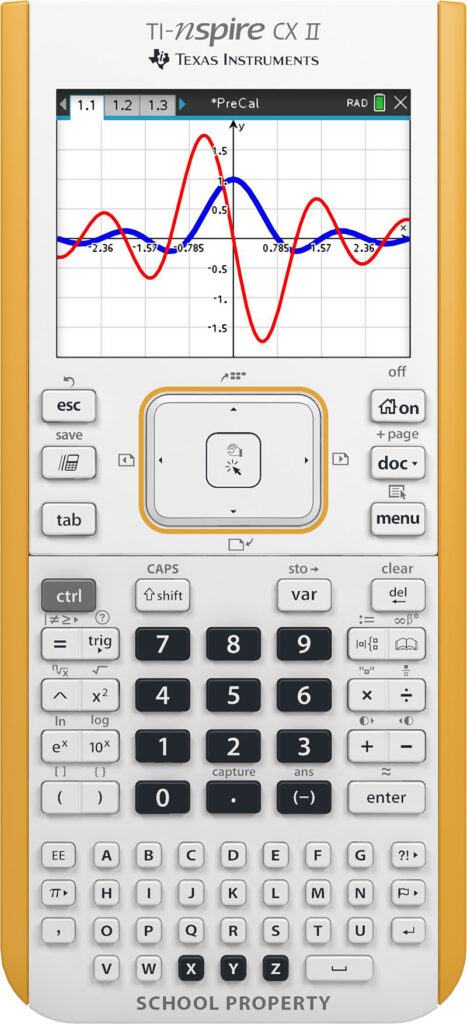
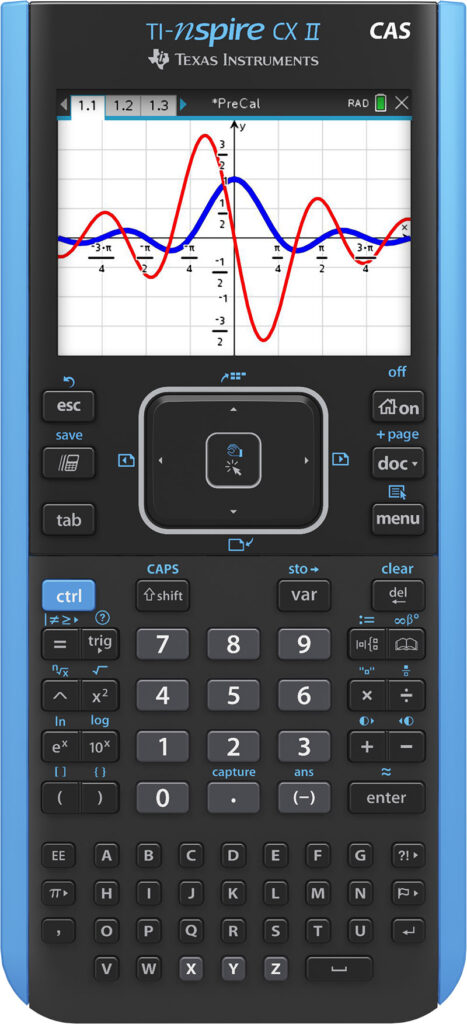
- TI-Nspire Lab Cradle (TI-NSLABC) – discontinued
- EasyTemp (EZ-TMP)-(requires adapter)
- Go!Temp (GO-TEMP)
- CBR 2 (CBR2)-(requires adapter or USB cable)
- Go! Motion (GO-MOT)
- EasyLink (EZ-LINK)-(requires adapter)
- Go!Link (GO-LINK)
- Vernier Sensors
- TI-Innovator Hub
- TI-Innovator Rover
- TI-Nspire CX II Handheld (TI-NSCX2)
- TI-Nspire CX II CAS Handheld (TI-NSCXCAS2)
Software version 3.0 or higher
- TI-Nspire Lab Cradle (TI-NSLABC) – discontinued
- EasyTemp (EZ-TMP)-(requires adapter)
- Go!Temp (GO-TEMP)
- CBR 2 (CBR2)-(requires adapter or USB cable)
- Go! Motion (GO-MOT)
- EasyLink (EZ-LINK)-(requires adapter)
- Go!Link (GO-LINK)
- Vernier Sensors
- TI-Innovator Hub
- TI-Innovator Rover
- TI-Nspire CX II Handheld (TI-NSCX2)
- TI-Nspire CX II CAS Handheld (TI-NSCXCAS2)

Software version 3.0 or higher
This following software does not work with Vernier or Texas Instruments data collection products:
Older TI-Nspire Products
- TI-Nspire Lab Cradle (TI-NSLABC) – discontinued
- EasyTemp (EZ-TMP)
- Go!Temp (GO-TEMP)-(requires adapter)
- CBR 2 (CBR2)
- Go! Motion (GO-MOT)-(requires adapter or USB cable)
- EasyLink (EZ-LINK)
- Go!Link (GO-LINK)-(requires adapter)
- Vernier Sensors
- TI-Nspire CX Navigator System (TI-NAV-CX30)
- TI-Nspire CX Docking Station (TI-NSCX-DS)
- TI-Innovator Hub
- TI-Innovator Rover
- TI-Nspire CX Computer Link Software
- TI-Nspire™ CX Premium Teacher Software (TI-NCXTS-SNGL1YR-ESW)
- TI-Nspire™ CX Student Software (TI-NSSX-SNGL1YR-ESW) or TI-Nspire™ CX CAS Student Software (TI-NSCSX-SNGL1YR-ESW)
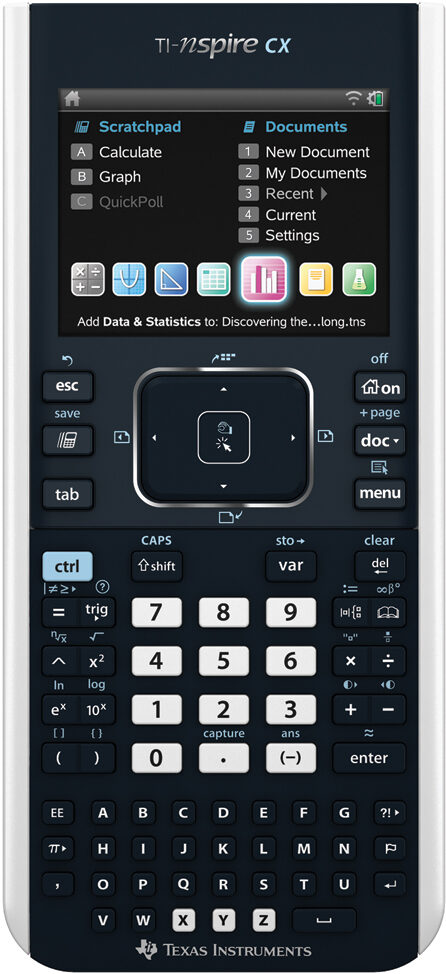
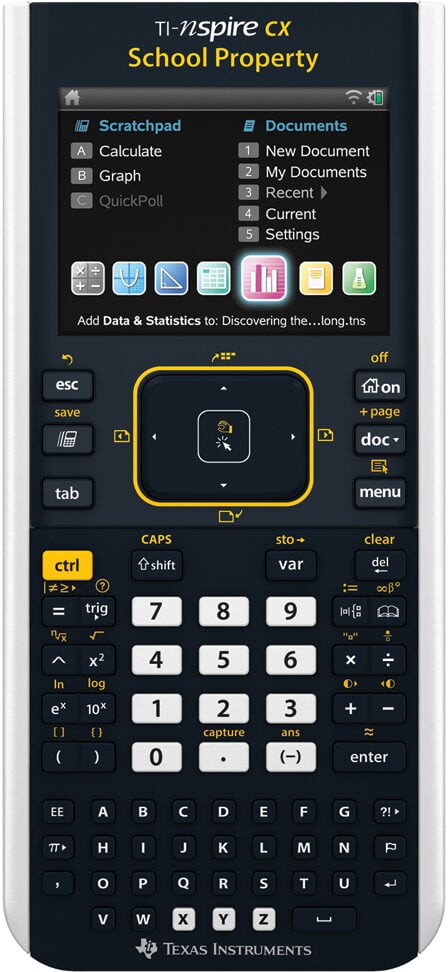
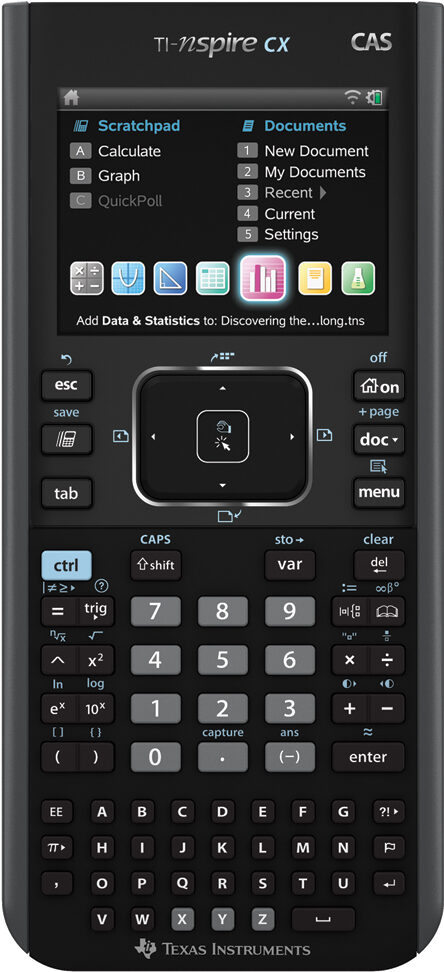
- TI-Nspire Lab Cradle (TI-NSLABC) – discontinued
- EasyTemp (EZ-TMP)
- Go!Temp (GO-TEMP)-(requires adapter)
- CBR 2 (CBR2)
- Go! Motion (GO-MOT)-(requires adapter or USB cable)
- EasyLink (EZ-LINK)
- Go!Link (GO-LINK)-(requires adapter)
- Vernier Sensors
- TI-Nspire ViewScreen Panel
- TI-Nspire Navigator Systems (not CX version)
- TI-Nspire Docking Station (not CX version)
- TI-Nspire Teacher Software (not CX version)
- TI-Nspire Student Software (not CX version)
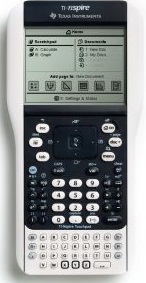
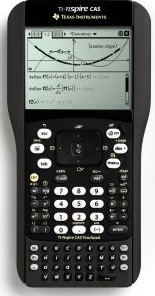
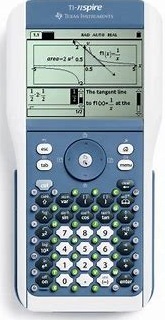
Software version 3.0 or newer
- CBL 2 (CBL2)
- LabPro (LABPRO) – Handhelds do not fit in calculator cradles
- EasyTemp (EZ-TMP)
- Go!Temp (GO-TEMP)-(requires adapter)
- CBR 2 (CBR2)
- Go! Motion (GO-MOT)-(requires adapter or USB cable)
- EasyLink (EZ-LINK)
- Go!Link (GO-LINK)-(requires adapter)
- Original CBL
- Original CBR
- Vernier Sensors (supported by EasyData or DataMate)
- TI-Nspire ViewScreen Panel
- Graphical Analysis 3– Import calculator data feature (v3.4 or older)
- Logger Pro™ 3 (LP) – Import calculator data feature
- TI-83, TI-83 Plus/TI-84 Plus family calculators – for file and data sharing
- TI Apps – Cabri Jr, Cell Sheet, Inequality, Learn Check, Periodic Table, Probability Simulations, Science Tools, Study Cards, Transformation Graphing (tested by TI)
- TI Connect – cannot update operating system
- TI InterActive! – Import/export data
- TI Graph Link Cables (Gray and Black serial cables)
- TI Graph Link software – TI-83 Plus version only
- TI-Navigator Systems for the TI-84 (no longer sold)
- TI-84 SmartView™ CE Emulator Software (TI-84EMU-SNGL1YR-ESW) – to show representation of 84 mode screen only. Does not work with SmartPad App.
- TI Connectivity Kit USB (GLC-USB)
- Vernier Apps – EasyData (recommended); DataMate, VST Apps, Physics, ChemBio, PhySci
TI-84 OS version 2.44 or higher