
This issue affects Vernier Video Analysis App version 3.1.0-2377 in either Chrome or Safari browsers running on iPad and iPhone devices with OS version 26.1 or newer. Other devices and operating systems are not affected.
The Issue
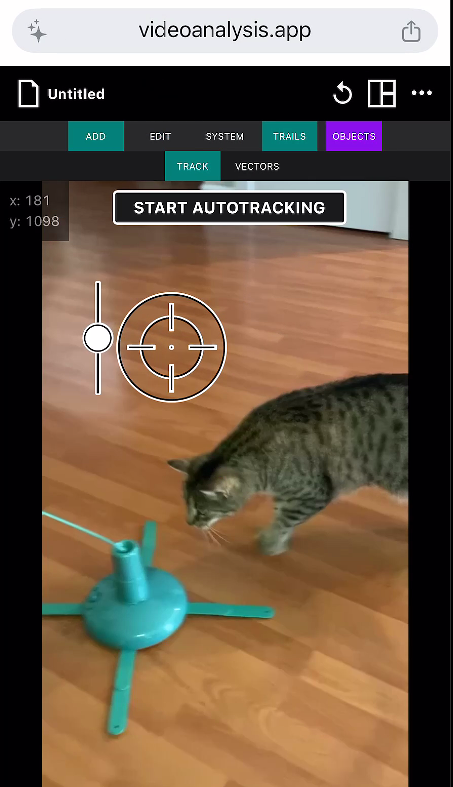
When inserting a video from your iPad or iPhone’s photo library, the point marking cursor can get in a state where the cursor won’t move to mark points.
Workaround
Select the TRACK option and use the auto-tracking cursor as you would use the regular point-marking cursor.
Alternative Workaround
● Close the browser tab, then launch Video Analysis again.
● Select one of the included videos and verify the cursor moves.
● Choose New Experiment from the file menu.
● Choose to import a video from the photo library.
● Select your video, then use the app as normal.
This issue will be addressed in a future release of the Vernier Video Analysis App.