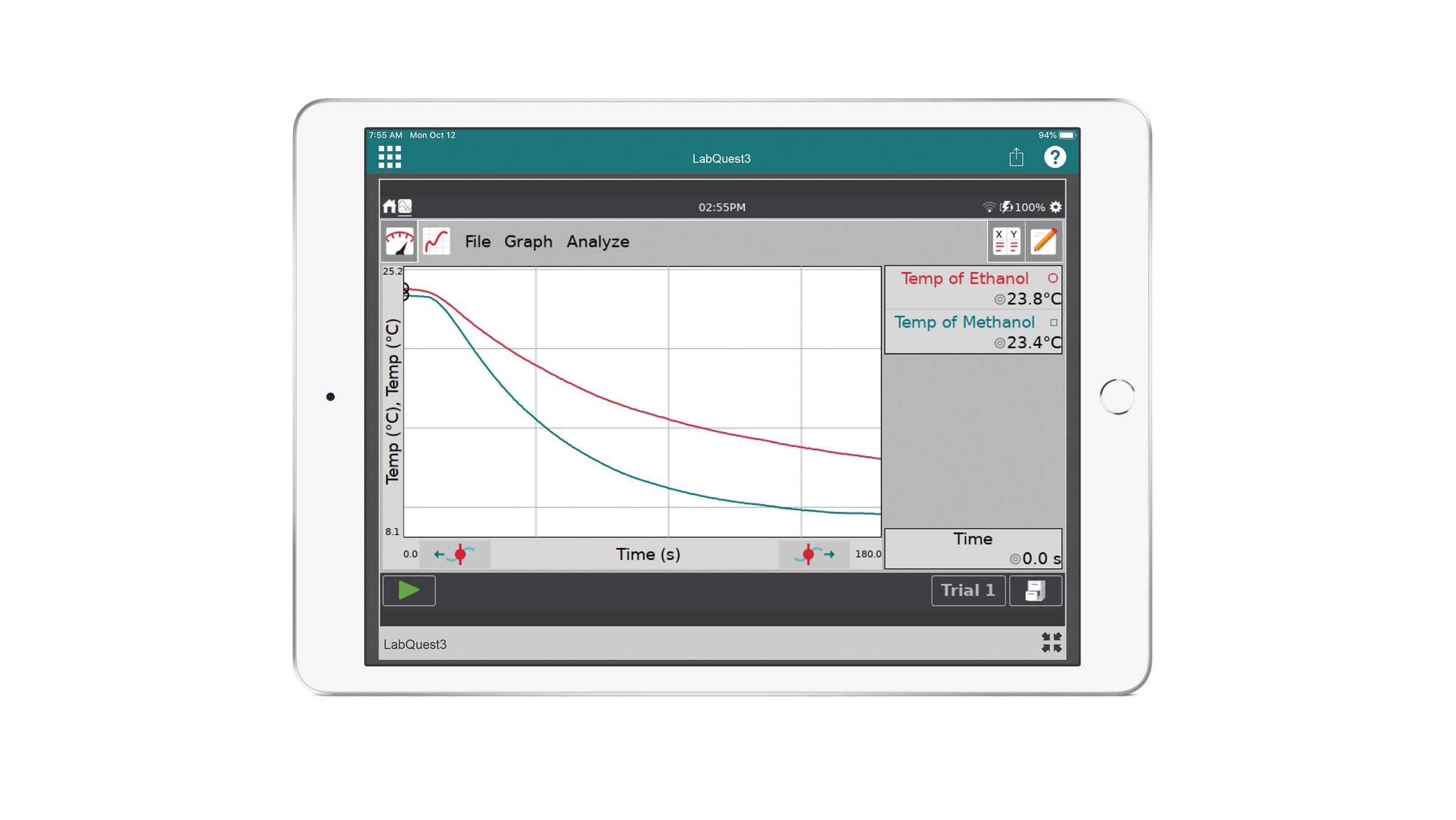
System Requirements for version 2.1
Windows
● Windows 11
● Windows 10 (22H2 or newer)
Requires ~16 MB disk storage space
Macintosh
● macOS 26
● macOS 15
● macOS 14
Requires ~5.9 MB disk storage space
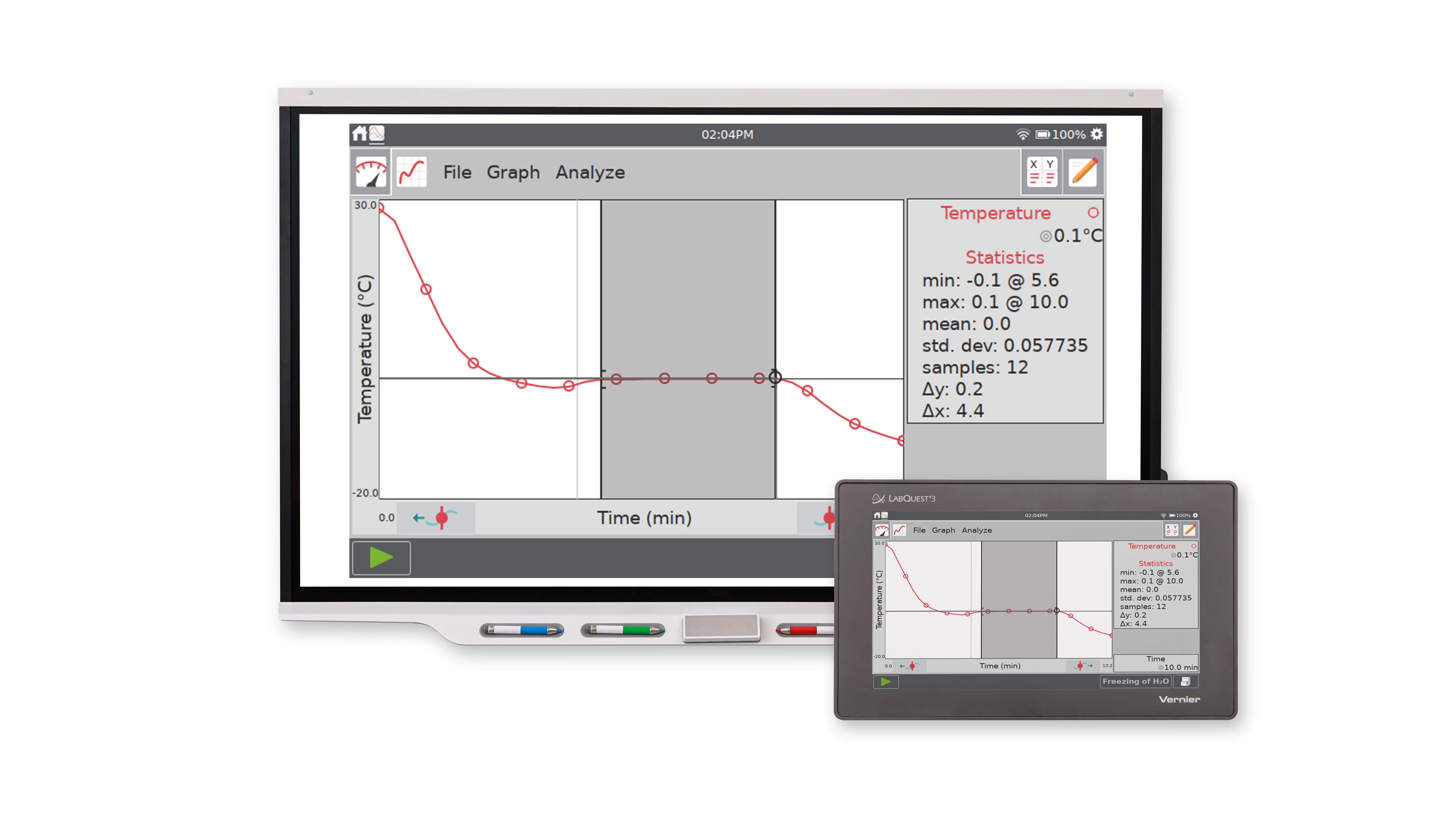
All Platforms, All Versions
● Computer/projector display resolution 1024×768 or higher is recommended. Minimum display resolution 800×600.
● Either a network connection to the LabQuest, or an available USB port (computers only for LabQuest 2/LabQuest 3).
System Requirements for Version 2.0.1/2.0
Windows (v2.0.1)
● Windows 8.1
● Windows 8
● Windows 7 (SP1)
Also works with:
● Windows 10 (22H1 and older)
Requires ~3.0 MB disk storage and 10 MB free space for installation.
Macintosh (v2.0)
● OS X 10.10
● OS X 10.9
● OS X 10.8
Also works with:
● Mac OS X 10.11 – OS X 10.15; macOS 11 – macOS 13
Requires ~5.0 MB disk storage and 10 MB free space for installation.
System Requirements for Version 1.1/1.0
Windows (v1.1)
● Windows 7 (no service pack)
● Windows Vista (SP2)
● Windows XP (SP3)
Requires ~2.0 MB disk storage and 2.0 GB free space for installation. (Computers without .Net 4.0 framework installed require considerably more disk space.)
Macintosh (v1.0)
● OS X 10.7
● OS X 10.6
● OS X 10.5 (Intel-based only)
Requires ~3.0 MB disk storage. Assumes Bonjour is already installed on the computer.
LabQuest Viewer for iPad
System Requirements
● iOS 8
Also works with:
● iOS 9 – iOS 12; iPadOS 13 and newer
Purchased from the App Store