
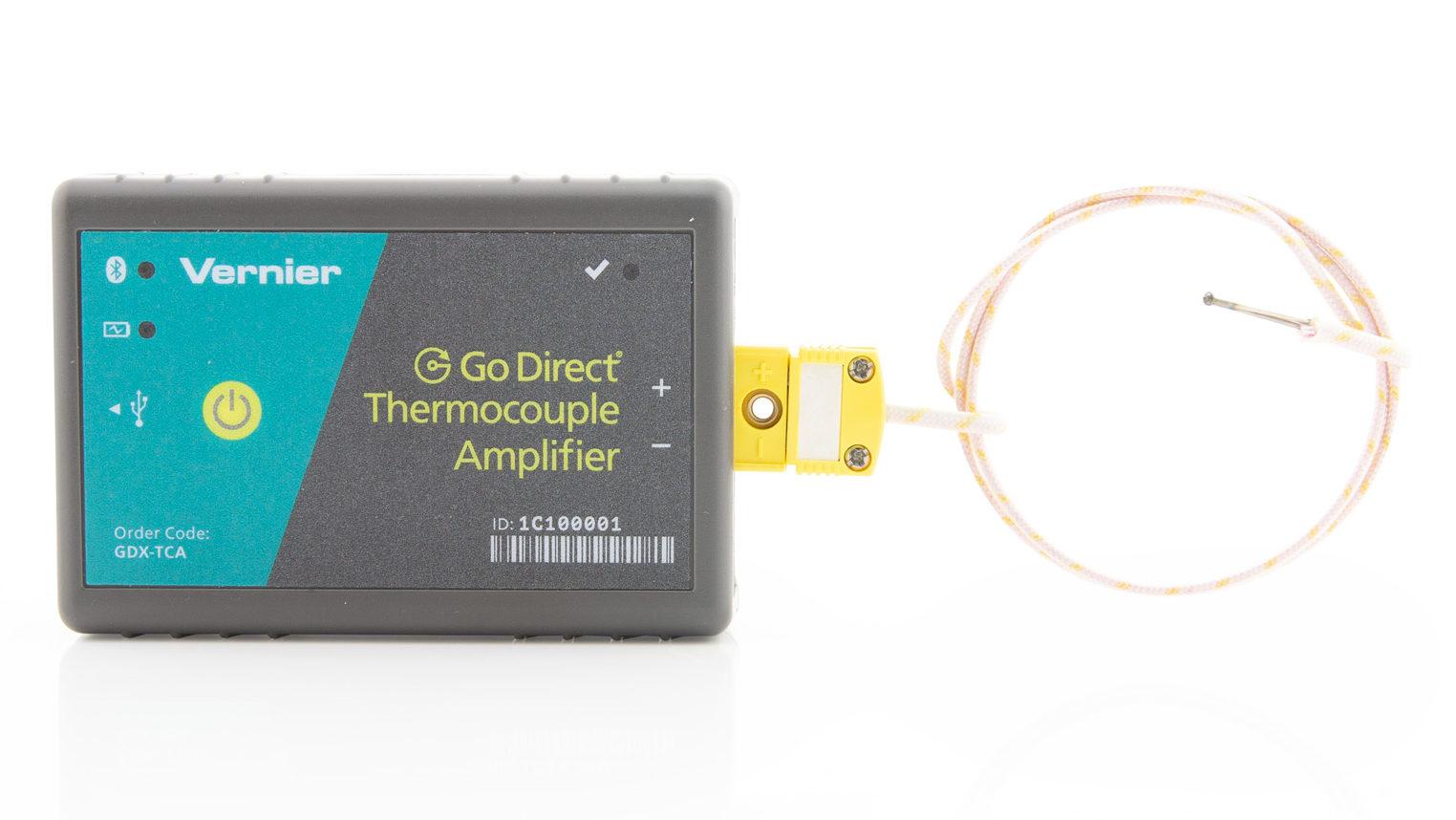
 Go Direct® Thermocouple
- Go Direct Thermocouple Troubleshooting and FAQs
- General: Press the power button on the sensor to turn it on. Connect your sensor as described in the Getting Started instructions for your device. Primary Test ...
- https://www.vernier.com/til/7738
- Go Direct Wide-Range Temperature Probe Troubleshooting and FAQs
- Aug 30, 2017 ... Primary Test: Hold the tip of the sensor in your hand and check for the temperature readings to change. Secondary Test: Place the probe into an ...
- https://www.vernier.com/til/4038
- Thermocouple Troubleshooting and FAQs
- Sep 12, 2018 ... Go!Temp (GO-TEMP); EasyTemp (EZ-TMP); Surface Temperature Sensor (STS-BTA); Extra-Long Temperature Probe (TPL-BTA); Go Direct Thermocouple (GDX- ...
- https://www.vernier.com/til/1440
- Which Go Direct sensors work with the TI-Nspire DataQuest App?
- May 29, 2024 ... * Sensor calibration is not supported in DataQuest App. Sensors must be calibrated using Graphical Analysis or LabQuest App. The new calibration ...
- https://www.vernier.com/til/20593
- What is the Difference Between Auto-ID Sensors, Non-Auto ...
- May 23, 2016 ... A Go Direct sensor connects via USB or Bluetooth wireless technology directly ... Range. 2.2K, Thermocouple °C, -20°C to 1400 °C. 33K, TI ...
- https://www.vernier.com/til/1463
- Go!Temp Troubleshooting and FAQs
- ... Thermocouple (TCA-BTA); Go Direct Temperature Probe (GDX-TMP). Published: June 27, 2016. Updated: May 1, 2025. ©2025 All rights reserved ...
- https://www.vernier.com/til/1997
- EasyTemp Troubleshooting and FAQs
- Mar 22, 2022 ... ⚬ Thermocouple (TCA-BTA) ⚬ Surface Temperature Sensor (STS-BTA); Go Direct Temperature Probe (GDX-TMP), for TI-Nspire CX II and TI-Nspire ...
- https://www.vernier.com/til/14699
- Surface Temperature Sensor Troubleshooting and FAQs
- Thermocouple (TCA-BTA); Go Direct Surface Temperature Sensor (GDX-ST). Published: September 8, 2017. Updated: May 1, 2025. ©2025 All rights reserved; Privacy ...
- https://www.vernier.com/til/1391
- Original LabQuest Release Notes
- Nov 12, 2020 ... Support for Go Direct SpectroVis Plus (USB connection only). Original ... Supports all Thermocouple temperature range calibrations; Ocean ...
- https://www.vernier.com/til/10034
- LabQuest 2 Release Notes – Technical Information Library
- Resolved Issue. Addressed an issue where the LabQuest App would unexpectedly exit the calibration wizard while calibrating Go Direct sensors (most notably ...
- https://www.vernier.com/til/2803
- How do you use the TCA-BTA to measure very low or very high temperatures more accurately?
- The default data-collection range for the Thermocouple (TCA-BTA) is set to have the best accuracy between 0°C and 900°C. There are two other settings available...
- https://www.vernier.com/til/664/
- Can I purchase a replacement thermocouple wire for my TCA-BTA or GDX-TC sensor?
- Our TCA-BTA and GDX-TC thermocouples use a type-K thermocouple wire. We sell a replacement wire for use on these thermocouples as . The wire is...
- https://www.vernier.com/til/1529/
- Can I use our thermocouple in a bunsen burner flame?
- The listed range of our thermocouple is -200 to 1400 Celsius. The Flinn catalog (p 205 of 2004 edition) lists temperatures up to about 1600...
- https://www.vernier.com/til/1303/
- How can change the sensor channels used with data collection for Go Direct sensors having multiple sensor channels?
- For Go Direct sensors with multiple sensor channels, connect the sensor, then follow the instructions below to change the sensor channels used for data collection....
- https://www.vernier.com/til/20039/
- Go Direct Static Charge Sensor Troubleshooting and FAQs
- [Product GDX-Q] Specifications and User Guide Troubleshooting General: Press the power button on the sensor to turn it on. Connect your sensor as described in...
- https://www.vernier.com/til/9652/
- Why doesn't my TCA-BTA work with Logger Pro or Logger Lite?
- Vernier Thermocouples have been updated a few times since they first began shipping. In September 2016, we changed the calibration from linear to 2nd order...
- https://www.vernier.com/til/1292/
- Go Direct Sensors & TI-Nspire DataQuest App Troubleshooting and FAQs
- Basic Information Troubleshooting For additional assistance, contact us at 888-837-6437 or support@vernier.com. Frequently Asked Questions Data Collection Specifications Maximum Sample Rate(DataQuest App limitation for Go...
- https://www.vernier.com/til/20614/
SAVE/SHARE YOUR CART