
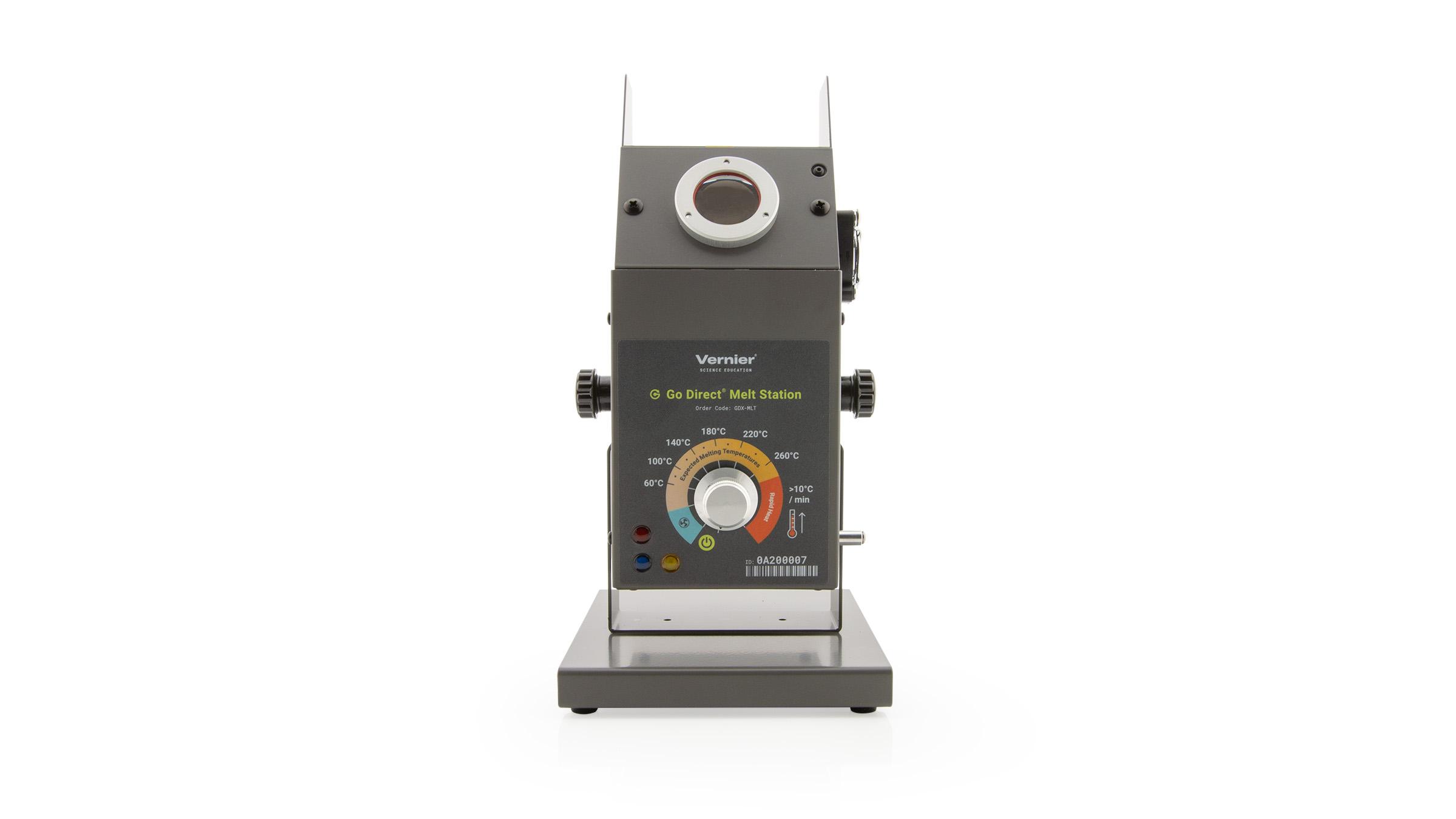
 Go Direct® Melt Station
 Melt Station
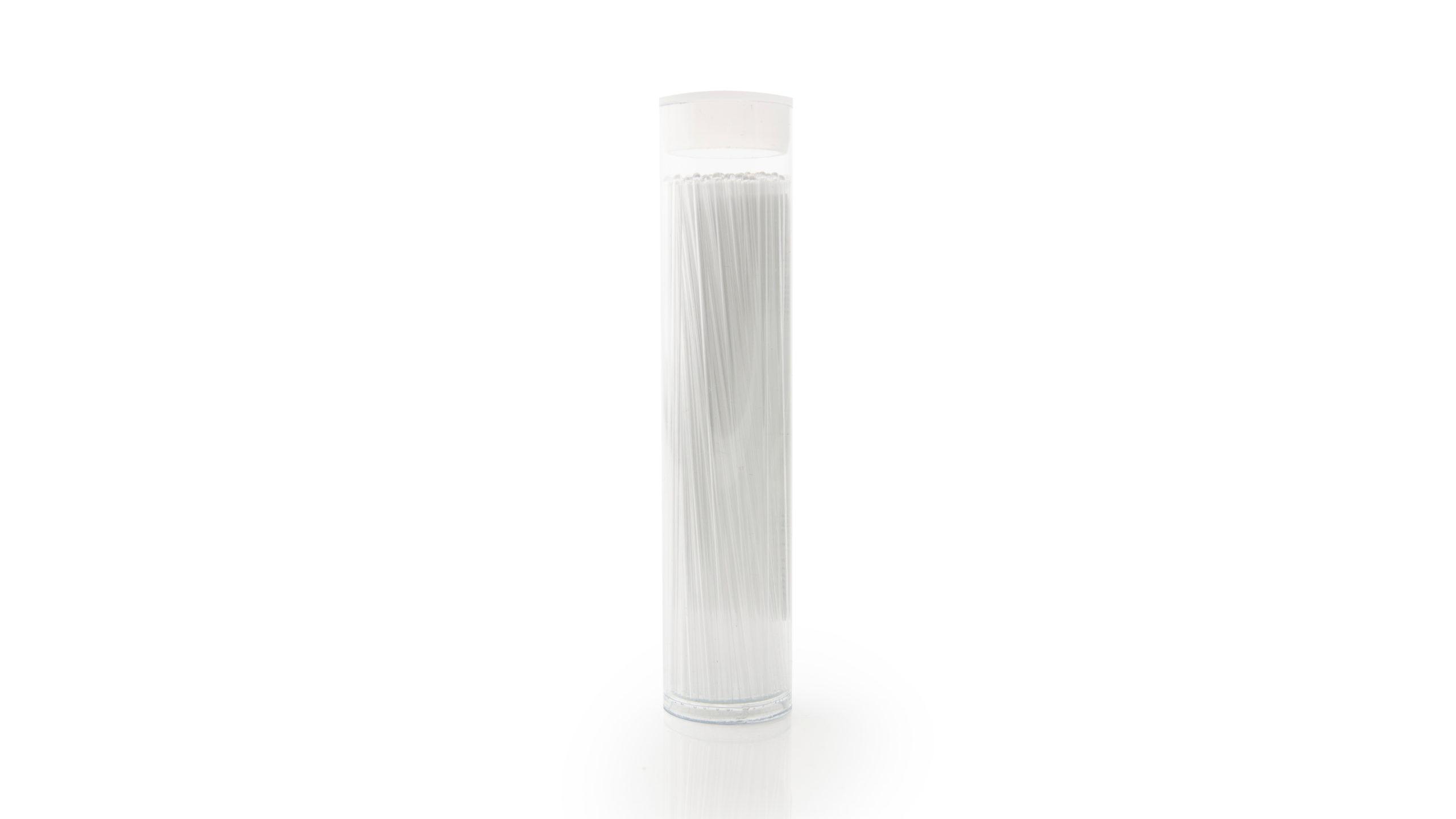 Melt Station Capillary Tubes
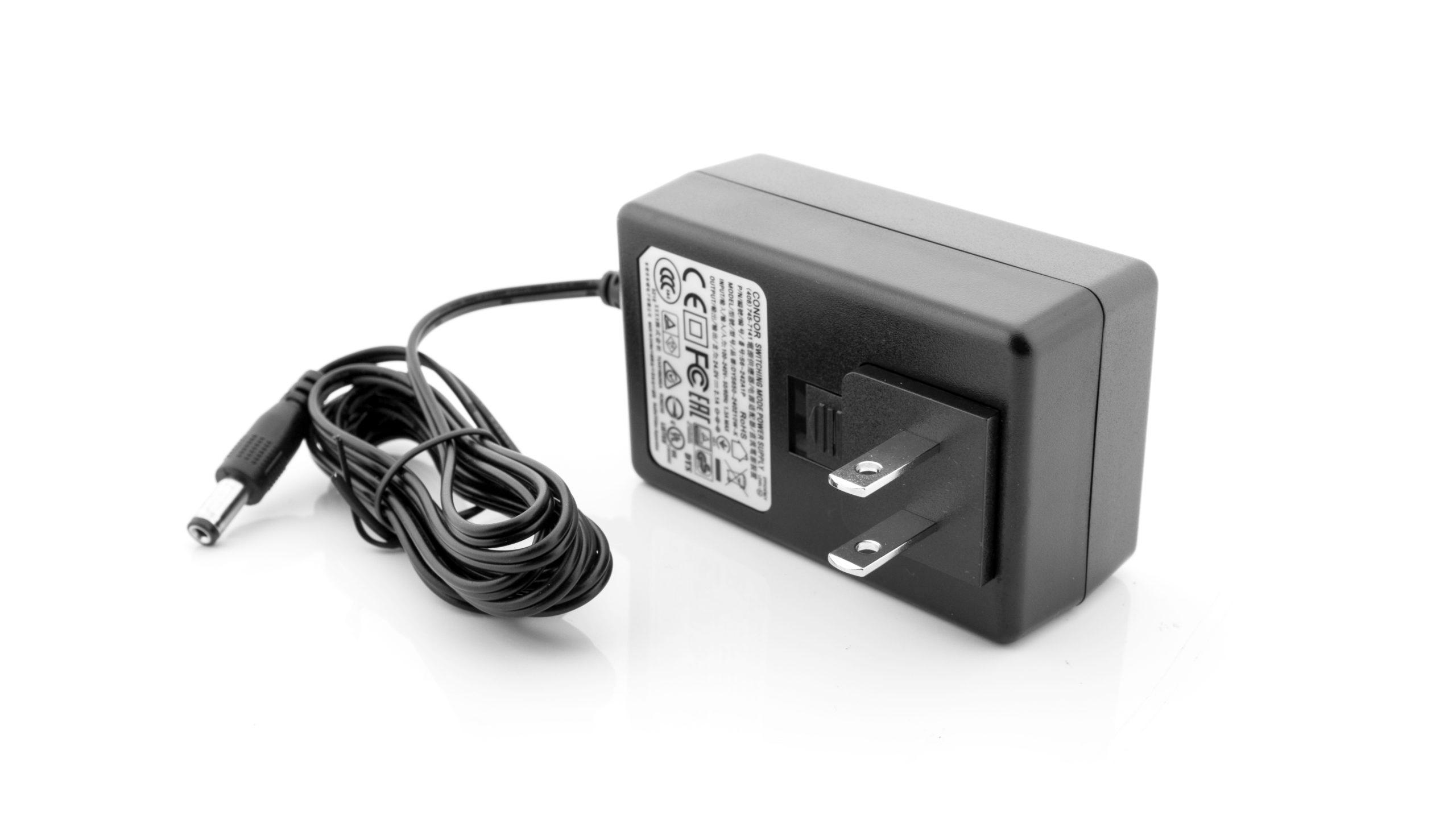 Replacement Melt Station Power Supply
- Melt Station
- Connect the Melt Station to a Vernier interface to measure the melting temperature of solid substances. Accurate results using built-in RTD over a range of 30° ...
- https://www.vernier.com/product/melt-station/
- Melt Station User Manual
- Start data collection. On the Melt Station, turn the control knob to the Rapid Heat area. The red LED will come on, indicating the Melt Station is heating.
- https://www.vernier.com/manuals/mlt-bta/
- Go Direct® Melt Station
- The Go Direct Melt Station accurately determines the melting temperature of solid substances. It connects via Bluetooth® wireless technology or via USB to your ...
- https://www.vernier.com/product/go-direct-melt-station/
- Melt Station Capillary Tubes
- Melt Station Capillary Tubes. Each Melt Station comes with 100 standard capillary tubes. Additional packages of 100 are available. ORDER CODE: MLT-TUBE ...
- https://www.vernier.com/product/melt-station-capillary-tubes/
- Replacement Melt Station Power Supply
- Replacement Melt Station Power Supply. This is a replacement power supply for the Melt Station. ORDER CODE: MLT-PS Category Replacement Parts.
- https://www.vernier.com/product/replacement-melt-station-power-supply/
- Go Direct® Melt Station User Manual
- After you turn the control knob to heating, an internal timer starts. After 50–60 minutes have elapsed, the Melt Station will automatically turn off the heating ...
- https://www.vernier.com/manuals/gdx-mlt/
- Melt Station Troubleshooting and FAQs
- Aug 22, 2017 ... Troubleshooting. Primary Test: Power the Melt Station using its AC adapter. Connect the Melt Station's BTA plug to a data collection ...
- https://www.vernier.com/til/2321
- Go Direct Melt Station Troubleshooting and FAQs
- Aug 22, 2017 ... Troubleshooting. Primary Test: Plug in the Melt Station using its AC adapter. Turn the control dial to any temperature setting, ...
- https://www.vernier.com/til/3852
- How do I remove a broken capillary tube from a Melt Station?
- May 23, 2017 ... 1. Turn off the Melt Station and allow it to cool to room temperature. Unplug the power cord from the device. 2. Place the Melt Station ...
- https://www.vernier.com/til/3899
- The control knob on my Melt Station is loose. How can I tighten it?
- The control knob on the Melt Station is held in place with two set screws. The drive size of the set screws is 1.5 mm. Vernier does not supply or sell a wrench ...
- https://www.vernier.com/til/3277
- Davis Instruments Troubleshooting and FAQs
- As of January 2025 Vernier Science Education no longer sells Davis Instruments products. For help with Davis Instrument products see below: Davis Support Web Page:...
- https://www.vernier.com/til/2515/
- Can I autoclave the bottle that comes with my CO2 or O2 sensor?
- We do not recommend autoclaving the 250 mL Nalgene bottles , , that ship with the O2 and CO2 gas sensors. We also do not...
- https://www.vernier.com/til/4339/
- Can I use a dishwasher to wash the Nalgene bottle that shipped with my O2 or CO2 Gas Sensor?
- It is recommended that you wash the Nalgene bottles by hand. This includes and the . The bottles are made of Polyethylene terephthalate G copolymer...
- https://www.vernier.com/til/2318/
- What do the LED lights on the LabQuest Charging Station signify?
- The LabQuest Charging Station contains an LED light by each of the 4 charging ports. An LED light glows if current flowing to the port...
- https://www.vernier.com/til/2728/
- Will my LabQuest Charging Station also work with the LabQuest 2 and LabQuest Stream?
- This information pertains to the original LabQuest and LabQuest 2. If you have LabQuest 3, see this article. As of April 2012, are shipping with...
- https://www.vernier.com/til/2634/
- Do you have a LabQuest interface multi-unit charging station?
- Yes. We make a multi-bay charger can charge 4 interfaces simultaneously: For additional information see:
- https://www.vernier.com/til/1770/
SAVE/SHARE YOUR CART